
Chatham County Criminal Court Cases
North Carolina's unified court system assigns Chatham County misdemeanors and early felony proceedings to District Court. Felony trials move to Superior Court. Both courts sit within District 18, and the Clerk of Superior Court maintains their public case files. The prosecutor works in Prosecutorial District 18, which covers Chatham and Orange counties, but the District Attorney is not the routine copy counter. Magistrates handle initial process and release decisions. Their work can produce early docket events, yet the completed record stays with the clerk.
The main Chatham County records destination is the Chatham County Justice Center at 40 E. Chatham Street in Pittsboro. The public counter and courthouse terminals provide access to District and Superior Court records. The Siler City Town Hall Courtroom at 311 N. Second Avenue is only a satellite state-court venue when sessions are calendared. It is not a separate municipal court or criminal-record repository. That local detail matters because a hearing may occur in Siler City while the Chatham County clerk still keeps the case file through the unified court operation.
The North Carolina Judicial Branch Chatham court page shows how court services route through the county system.
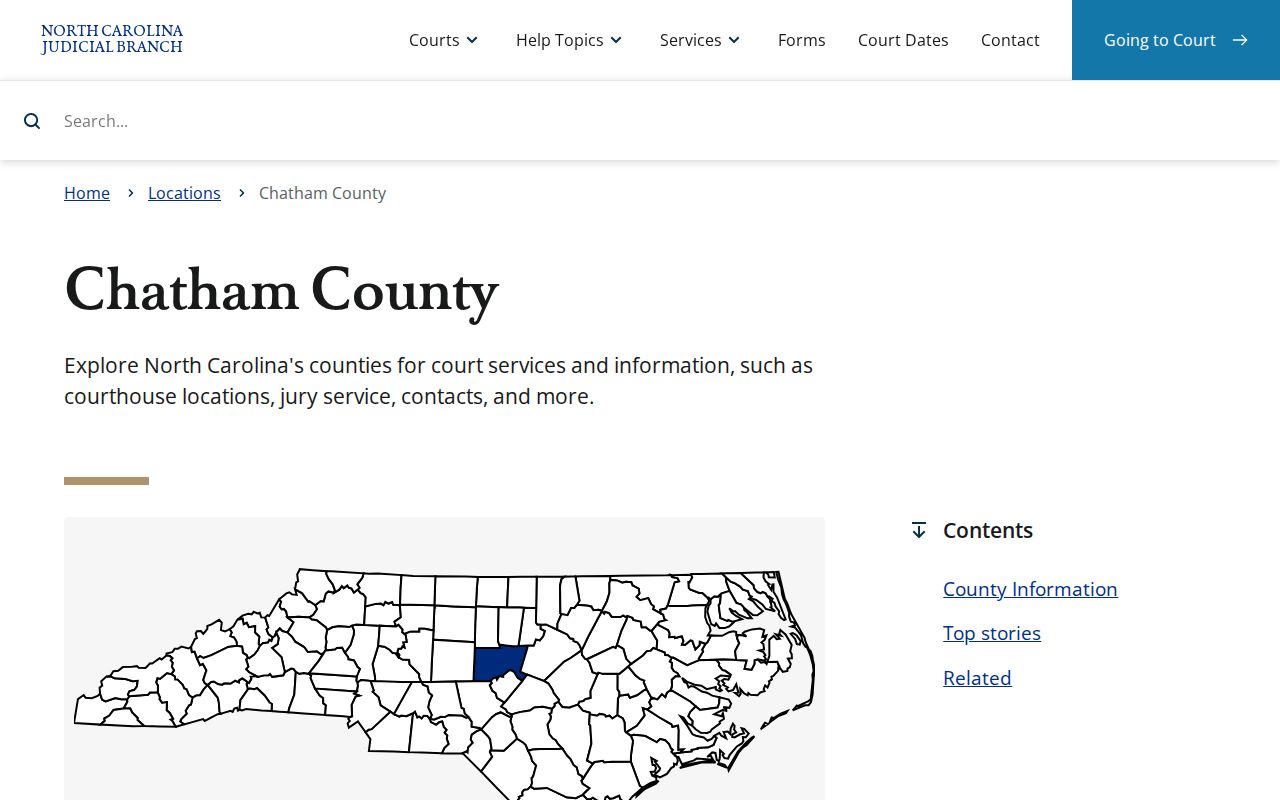
This court landing view helps distinguish the official Chatham County court channel from police reports and jail booking sources.
Chatham eCourts Case Search
The North Carolina Judicial Branch Portal, often called eCourts Portal, offers free public case information. Chatham joined the eCourts rollout in April 2024. The move from older mainframe and paper systems means online coverage can vary, especially where a clerk must scan or enter older material. Portal may show a case summary, parties, charge information, events, hearings, status, disposition, judgment, and financial balances when public. A missing document image does not prove that the paper or clerk-held document does not exist.
Names alone are weak identifiers in Chatham County. A Chatham County court case search should compare county, spelling, filing date, case category, and case number. Converted legacy events can show a default midnight time, so a 12:00 a.m. entry may reflect conversion rather than an actual hearing hour. Record the full case number once a sound match is found. It is the best key for later calendar checks, counter questions, and copy requests.
Searching Chatham County Case Records
Use Portal for an initial docket search, the official North Carolina court-date tool for a scheduled appearance, and the clerk for certified results or records that are not online. Courthouse public terminals support free noncertified searches and can search court information across counties. Printing may carry a charge. The Judicial Branch advises people who need a formal criminal-record check to use the Clerk of Superior Court rather than treating Portal as a certified background product.
- Open eCourts Portal and choose Smart Search or the public record-number route.
- Enter the complete case number when known. Otherwise use the party's name and check common spelling variants.
- Limit the location to Chatham and use criminal category or filing-date filters when the interface offers them.
- Open the matching record. Compare its county, file date, status, charges, hearings, and party spelling.
- Use the court-date search for calendar details, then ask the clerk for unavailable or certified documents.
| Field Label | Type | Required | Notes |
|---|---|---|---|
| Search Type / Smart Search | Tab or control | Yes | Begin by record number or party name. |
| Record Number | Text | Alternative | Use the complete court case number. |
| First, Middle, Last Name | Text | Alternative | Try variants and verify identity with case facts. |
| County / Location | Dropdown | Optional | Select Chatham to reduce same-name results. |
| Case Category / Type | Dropdown | Optional | Limit to criminal when available. |
| Date Filed | Date range | Optional | Narrow to the likely case period. |
The official Chatham County court contact directory is the right companion when a search leads to a question for the clerk, magistrate, prosecutor, judge, or Siler City courtroom.
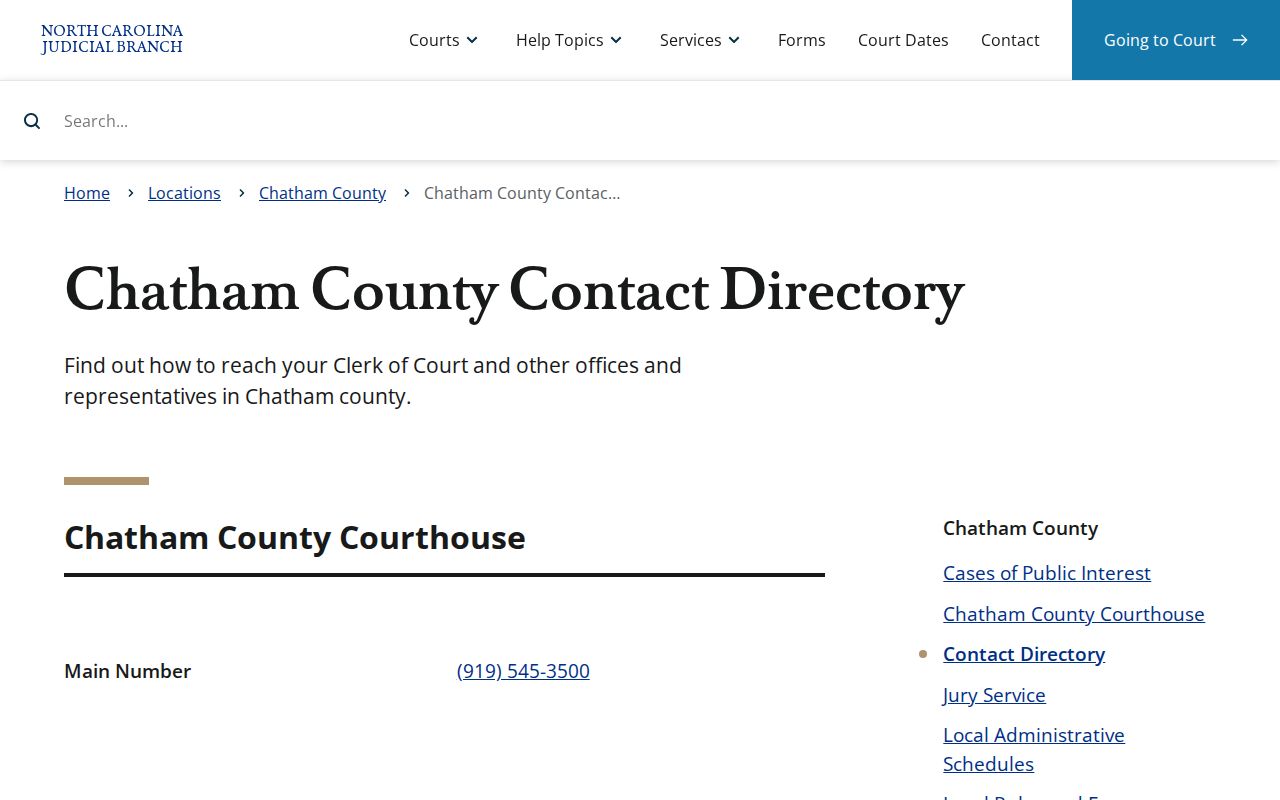
The directory view connects a docket search to the correct clerk, magistrate, prosecutor, or courtroom contact without treating those offices as interchangeable.
Chatham Certified Court Case Search
A certified name-based search from the Chatham County Clerk costs $25 and covers Chatham court records, not a statewide SBI rap sheet. Use the current AOC-CR-314 request form. Mail requests require a money order or certified check. The official instructions list cash, card, money order, or certified check as in-person choices. The form identifies the county and searched person, and it allows the identifiers and aliases needed to separate similar names. Always use the current form rather than an old saved copy.
The free courthouse-terminal route is different. It gives noncertified access and can reach statewide court information, while the paid clerk product is a certified Chatham-only search. A third product, the SBI Right to Review, is the subject's own fingerprint-supported North Carolina history. Those products can return different results because their scope, identity method, and source records differ. The Judicial Branch criminal-record-check instructions set out the certified and terminal choices.
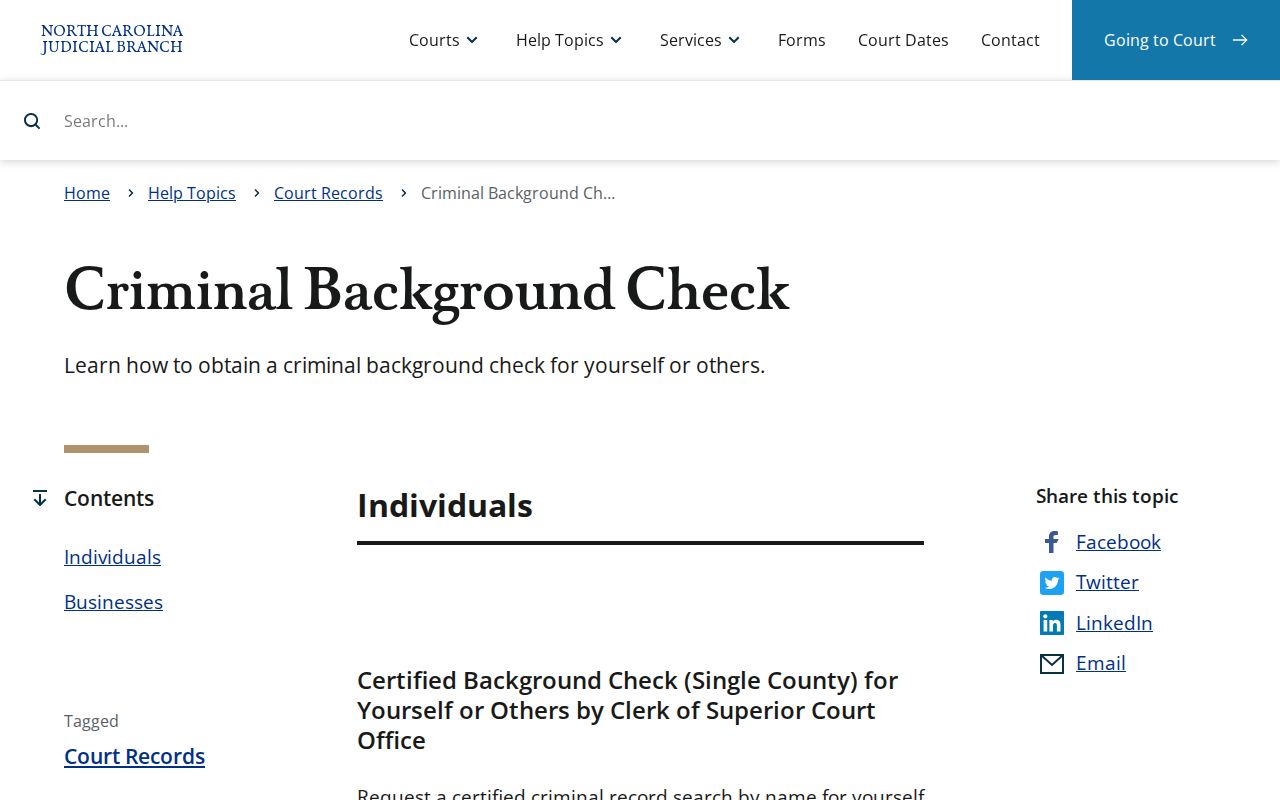
The official instructions reinforce that a certified clerk search and a free public-terminal search are separate forms of Chatham County court access.
Note: Portal is useful for finding a file, but the Chatham clerk supplies certification and older or unavailable court documents.
Inside a Chatham County Case File
A criminal court file is organized around a case number and docket, not around a jail intake card or the SBI's fingerprint arrest cycle. Public entries may list parties, counsel, filing date, charge text and statute, events, hearings, judgments, and eligible financial balances. Read the result charge by charge. One count may be dismissed while another ends in a plea or trial judgment. Document images vary, and protected information can be omitted even when the docket event is public.
| Case Number & Court | Identifies the Chatham file, location, and District or Superior Court track. |
|---|---|
| Charging Document | May be a citation, warrant, summons, information, or returned indictment. |
| Docket Entries | Chronological filings and court events, including converted legacy entries. |
| Hearing Dates | Past and scheduled settings, which should be checked against the live calendar. |
| Disposition & Judgment | The result for each charge, such as dismissal, acquittal, PJC, or conviction. |
| Sentence & Conditions | Custody, probation, restitution, costs, or other terms when publicly available. |
Financial balances and current status can help explain what remains open, but they do not replace the judgment. When Portal exposes only an event label, ask the Chatham clerk for the filed order or certified disposition. That document can distinguish a continued setting from a true result and can show which count the ruling addressed.
Chatham Court Dispositions by Charge
A disposition is the recorded result of a charge. A dismissal ends that charge without a conviction. An acquittal is a not-guilty decision after trial. A conviction reflects a legally recognized guilty finding or plea. North Carolina also uses Prayer for Judgment Continued, or PJC, in which judgment is continued and the effect depends on the legal setting. Nolle prosequi means the prosecutor formally chose not to proceed with a charge at that time. These terms should not be compressed into a single yes-or-no label.
- Arraignment
- The stage at which charges are formally addressed and a plea may be entered.
- Indictment
- A formal felony accusation returned by a grand jury.
- Disposition
- The recorded outcome of a charge or case.
- Judgment
- The court's formal ruling, which can include sentence and financial terms.
- Appeal
- A request for review in the proper higher court under applicable rules.
A short Portal status is only a starting point. Open the events and judgment, check each count, and obtain the clerk's document when the precise result matters to a review of one's own record or to understanding a specific public case.
How a Criminal Case Moves
An officer may begin the process with a citation, warrant, or arrest. A magistrate then handles initial judicial process and release terms. District Court receives misdemeanors and the first proceedings in felony matters. The prosecutor decides which charges to pursue, and a felony can move by probable-cause, waiver, or indictment routes into Superior Court. Motions and pretrial hearings follow. A plea or trial produces a disposition, and a conviction can lead to judgment and sentence.
Case flow: Charges Filed › Arraignment › Pretrial › Plea or Trial › Disposition › Sentencing
The arrest charge is not fixed for all time. A prosecutor can amend or dismiss it, and a grand jury can return an indictment with different language. That is why the final Chatham County criminal case record matters more than a booking allegation when the goal is to learn what the court decided.
Chatham Felony Court Case Path
Felony cases illustrate why readers must check both levels of Chatham County court. The matter usually begins in District Court for preliminary work, but the felony trial belongs in Superior Court. North Carolina Structured Sentencing also means the offense class alone does not reveal the sentence. The result depends on the offense class, prior-record level, applicable range, findings, and actual judgment. A brief charge label in Portal cannot replace the sentencing document.
The District Attorney's Chatham courthouse line is 919-545-3510, while the Defender District 18 Chatham office is also based at the Justice Center. Those offices prosecute and defend cases. Neither replaces the Clerk of Superior Court as the public-file custodian. This separation helps explain why a party may speak with counsel or the prosecutor about litigation while requesting the docket or certified judgment from the clerk.
Case Record Access & Restrictions
North Carolina court records are generally obtained through clerks, public terminals, and Portal, subject to confidentiality and sealing rules. Juvenile court records are confidential under G.S. 7B-3000 except where a statute or court order permits access. Expunged matters, sealed files, complete Social Security numbers, full dates of birth, protected victim data, and other private identifiers should not appear in ordinary public output. Grand-jury deliberations remain secret even though a returned indictment and later docket may be public.
Criminal investigative files are not the same as court files. Under G.S. 132-1.4, certain arrest and event facts and returned judicial process can be public, while investigative details may stay restricted. Ask the Sheriff or city police for the agency report. Ask the clerk for filings, judgments, and returned process in the court record. A request to one office does not automatically search the other's files.
Access point: Call the Chatham County Clerk at 919-545-3500 when a known case is missing online or a document image is unavailable.
Chatham Court Records Beyond Portal
Older, paper, or image-restricted material may require the clerk's counter. The Justice Center is open from 8:30 a.m. to 5:00 p.m. Monday through Friday, and mail goes to PO Box 369, Pittsboro, NC 27312. Visitors should allow time for security screening. The restored historic courthouse in Pittsboro's traffic circle is a local landmark, but routine criminal-record work belongs at the modern Justice Center at 40 E. Chatham Street.
The official Chatham County courthouse page provides the correct public counter location, hours, and contact details.
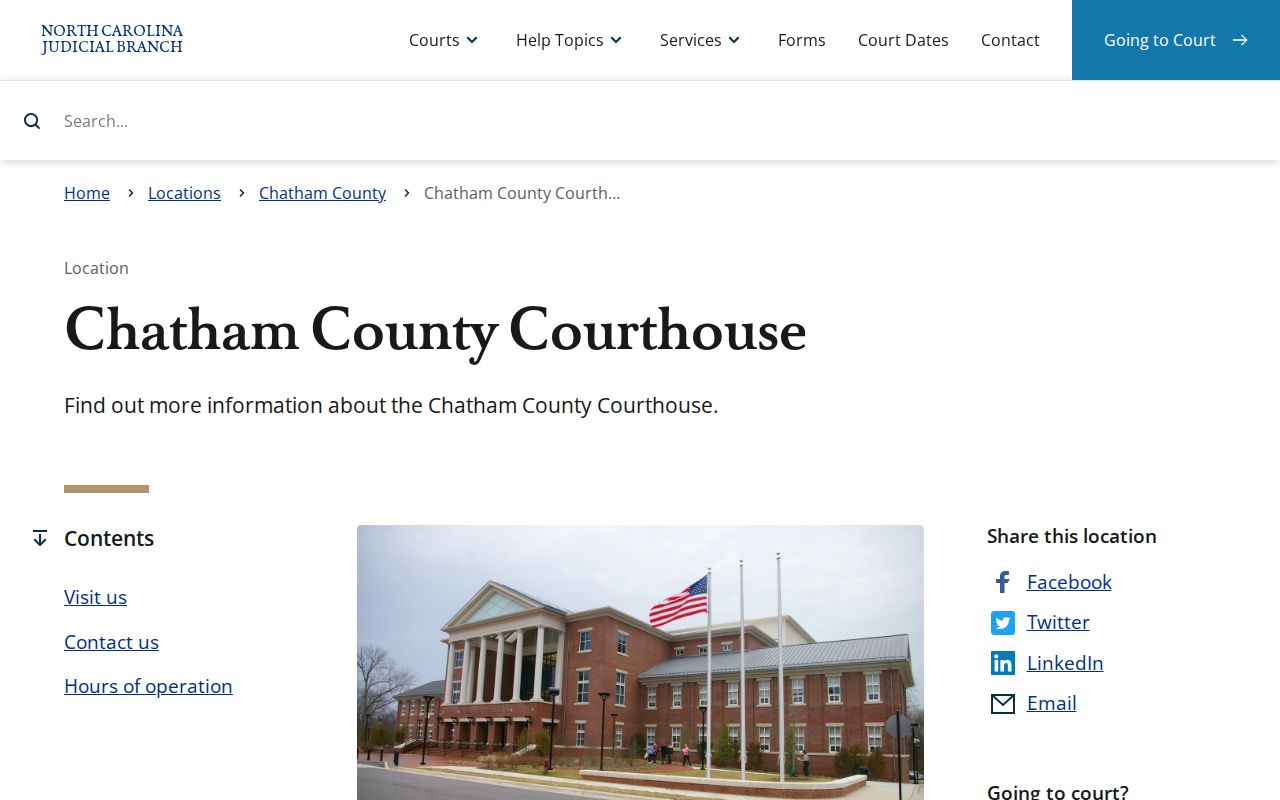
This courthouse source is especially useful in Chatham County because landmark images can send a visitor to the historic building instead of the working records counter.