
Chatham County Arrest History
Arrest records in Chatham County begin with the agency that took action. The Chatham County Sheriff’s Office handles much of the unincorporated county. Siler City, Pittsboro, Cary, and Chapel Hill police retain reports for incidents in their own jurisdictions, including the portions of Cary and Chapel Hill that lie inside Chatham. State Highway Patrol and campus or special agencies may also create the first report. When an arrested person enters the county detention system, a second record begins at 295 West Street in Pittsboro.
An arrest history is not one fixed document. It can mean a dated police report, an intake card, a weekly blotter item, or a fingerprint-supported cycle in the North Carolina State Bureau of Investigation repository. A case file later records charges pursued by the prosecutor and the result entered by the court. Searchers should identify the event, agency, location, and likely date before choosing a source. That small amount of context keeps a same-name jail card or court case from being treated as the wrong person’s record.
Three Chatham County Arrest Views
The Chatham County Sheriff publishes two useful tools, but they cover different time frames. The weekly Arrest Blotter can include a person who has already left custody. The live Inmate Search focuses on people in Chatham custody now. North Carolina’s eCourts Portal follows the filed court matter, which may outlast both Sheriff displays.
| Official Source | Best Answer | Main Limit |
|---|---|---|
| Weekly Arrest Blotter | Recent Sheriff arrest allegations, release terms, and scheduled court | Not a conviction list or full lifetime history |
| Live Inmate Search | Current local booking and custody information | A released person may no longer appear |
| eCourts Portal or Clerk | Filed charges, hearings, disposition, and judgment | Not every arrest becomes a filed case |
The manifest capture from the official Chatham inmate-search source shows the county’s public roster interface.
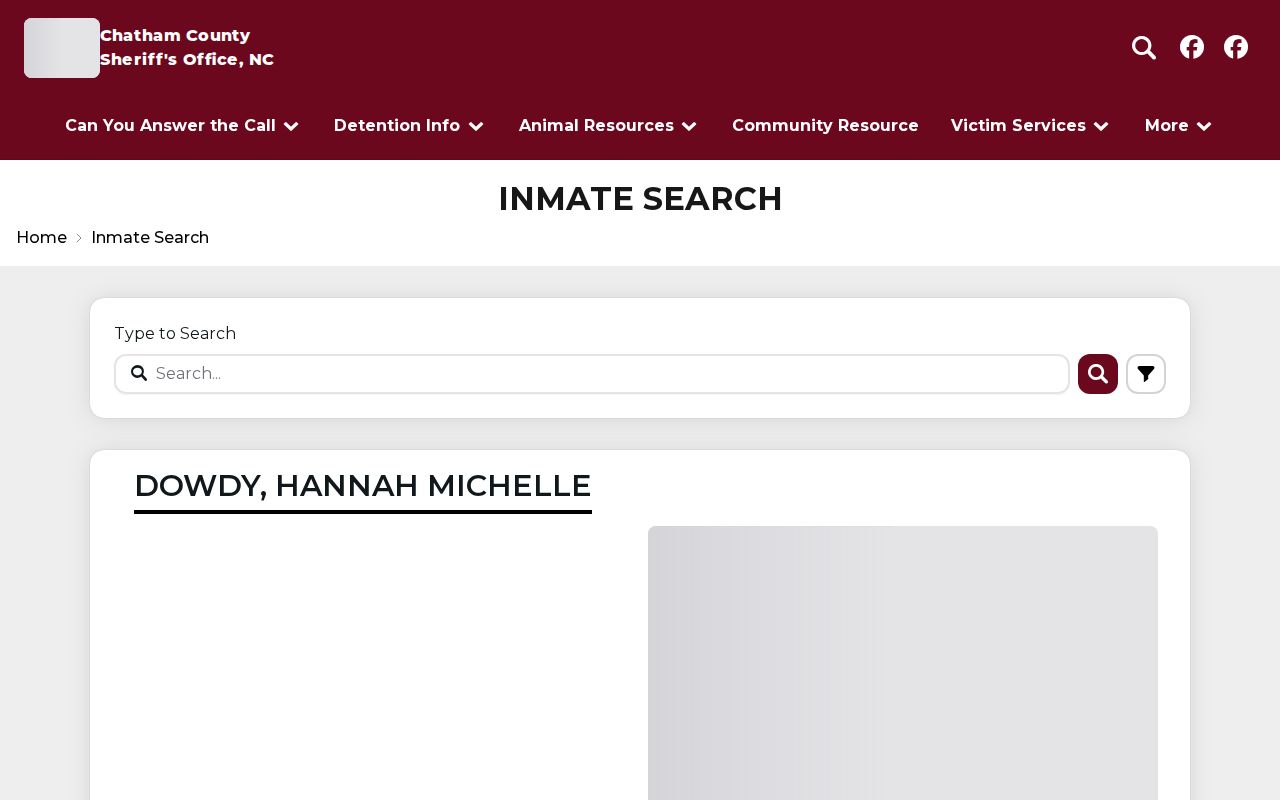
Its single search control and custody cards make it useful for a current-status check, but a Chatham County clerk file is still needed for the later outcome.
Looking Up Chatham County Arrests
Start with the source closest to the event. The official path below covers every access channel documented for Chatham County arrests. It also gives a fallback when an online page has no result.
- Check the Sheriff’s weekly blotter for a recent Sheriff arrest, then check the live inmate roster for current custody. Note the arrest date, agency, scheduled court, and any inmate identifier.
- Ask the arresting agency for its incident or arrest report. Sheriff Records takes requests at 919-542-2811. A city police arrest stays with that police department even when booking occurs at the county jail.
- Search the North Carolina court-date tool and the North Carolina Judicial Branch Portal. Match the county, name, date, and case number before relying on the result.
- For a certified Chatham-only court search, submit the current AOC-CR-314 form and the $25 fee to the Clerk. For one’s own fingerprint-supported statewide record, use the SBI Right to Review process.
- If the web tools are silent, call Detention at 919-545-7802 for current custody, call Sheriff Records for an older report, or visit the Clerk for the filed court record and disposition.
These Chatham County arrest channels can disagree while a case moves. A spelling change, delayed filing, release from jail, or unmatched fingerprint cycle can explain the gap. Keep the case and incident numbers because they are stronger identifiers than a common name.
Chatham County Arrest Booking Route
A local booking has a clear sequence. The arresting officer transports the person to the Chatham County Detention Center. Staff verify the authority for custody, inventory property, screen at intake, take a photograph and fingerprints, and enter the intake charges. A magistrate makes the initial release determination. Detention then applies that order or keeps the person in custody. Prosecutors and courts may later amend, dismiss, or replace the intake charge.
Record flow: Arresting agency › Chatham County Detention › Magistrate › District Attorney › District or Superior Court › SBI repository
That flow explains why the earliest Chatham County arrest record can differ from the final docket. District Court handles misdemeanors and preliminary felony proceedings. Superior Court hears felonies. Fingerprint-supported arrest data goes through the state criminal-information network, while the Clerk reports court dispositions into state systems. A careful self-review compares both ends of the chain instead of assuming that a booking label remained unchanged.
The Sheriff’s official homepage groups the county’s inmate, blotter, court-date, records-request, and notification tools.
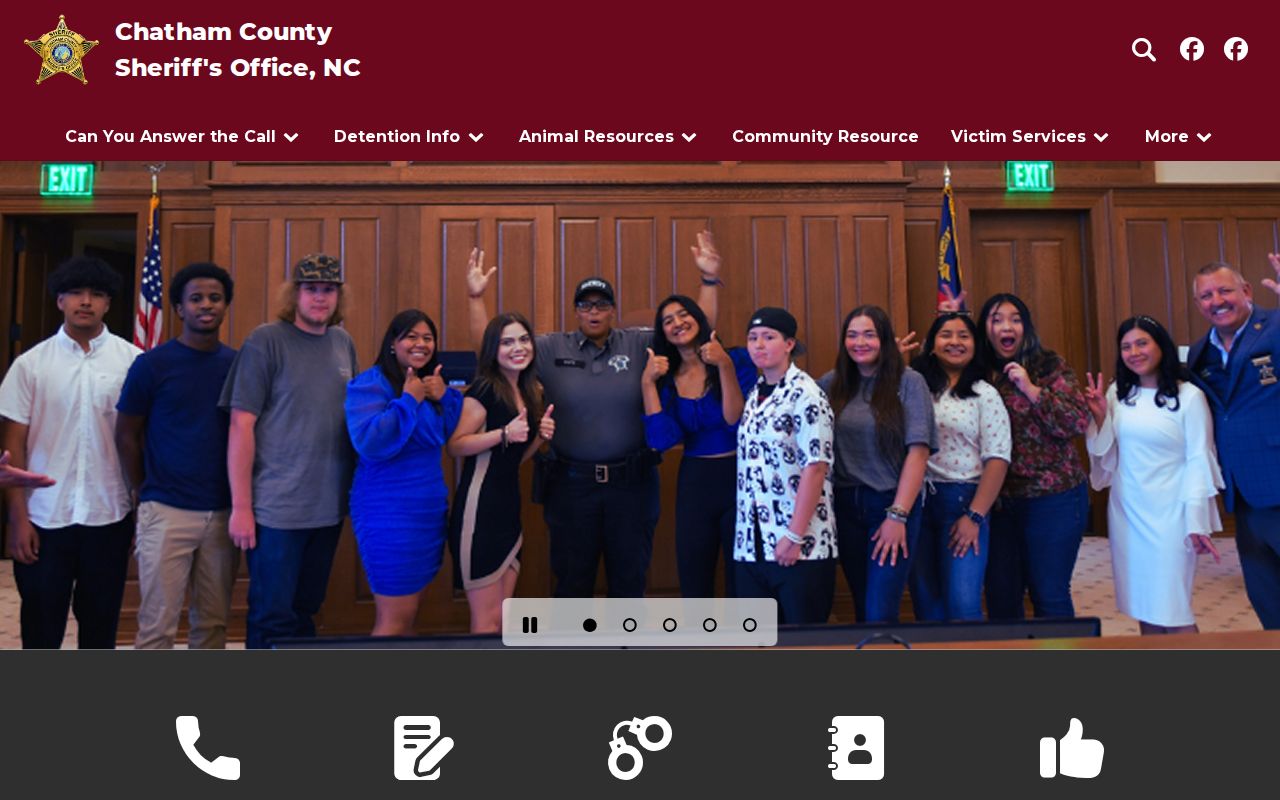
Those links bring several arrest channels together, yet the records themselves still belong to separate custodians.
Inside a Chatham County Arrest Record
A Chatham County booking entry centers on custody, not guilt. The public inmate card observed in the research showed a displayed name, page timestamp, photograph, inmate ID, height, weight, gender, race, age, eye color, hair color, and booked date and time. Some descriptors may be marked unavailable, and an apparent value can be wrong. Detention should verify any important custody field.
| Inmate Identifier | Helps Detention distinguish people with similar names; the public card uses an inmate ID rather than promising a universal booking number. |
|---|---|
| Booked Date & Time | Marks intake into the county detention process, not the time of conviction. |
| Arresting Agency | Identifies the office that should hold the originating incident or arrest report. |
| Alleged Charges | Shows the accusation presented at arrest or intake; later court charges can change. |
| Bond or Release | May state cash, secured, unsecured, written promise, or another judicial release condition. |
| Booking Photograph | The official roster may display a custody photo. No private booking photos or names are republished here. |
| Custody Status | The live roster and its status notification serve current custody, not the final case result. |
Chatham County Arrest Blotter Fields
The Chatham County Sheriff’s weekly blotter is a narrative log. Its entries identify the arrest date, the deputy or agency context, alleged offenses, release condition or bond, and a scheduled courthouse and date. It can include arrests tied to process from another county. That scheduled appearance is a route into court calendars, not proof that the event produced a Chatham conviction.
The official Chatham arrest-blotter source was captured without centering any private person.
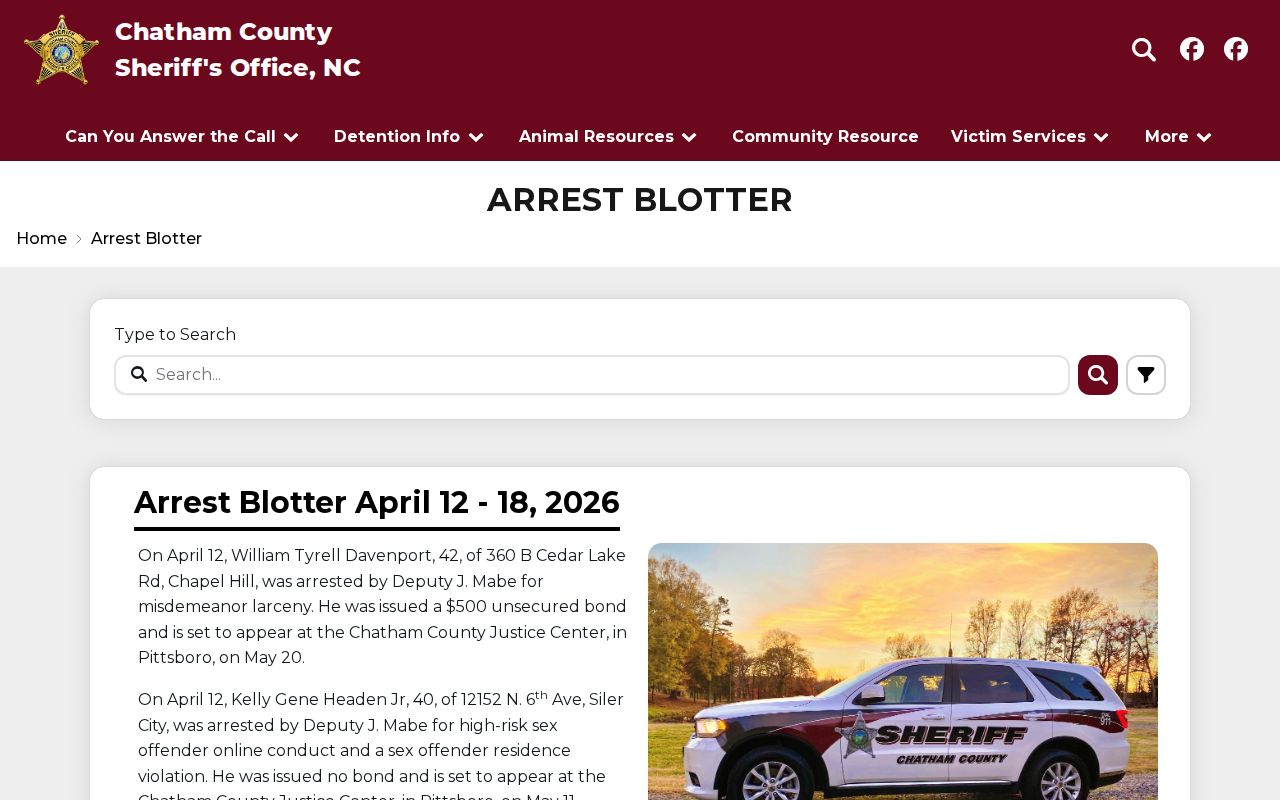
The weekly format gives a broader recent view than the live roster, while the court date provides the next verification point.
Note: A scheduled court date can change, so confirm the calendar and case file before traveling or relying on it.
Booking Logs and Recent Arrests
The Chatham County inmate tool has one keyword-style search control rather than separate public fields for date of birth, booking number, or a booking-date range. Result cards can open a detail route through “Read More.” A “Notify Me of Status Change” control supports custody updates. Neither feature turns the roster into a historic arrest archive.
The Sheriff also publishes the official Chatham County Sheriff NC app. Its observed listing described tips, news, public-safety information, and agency tools.
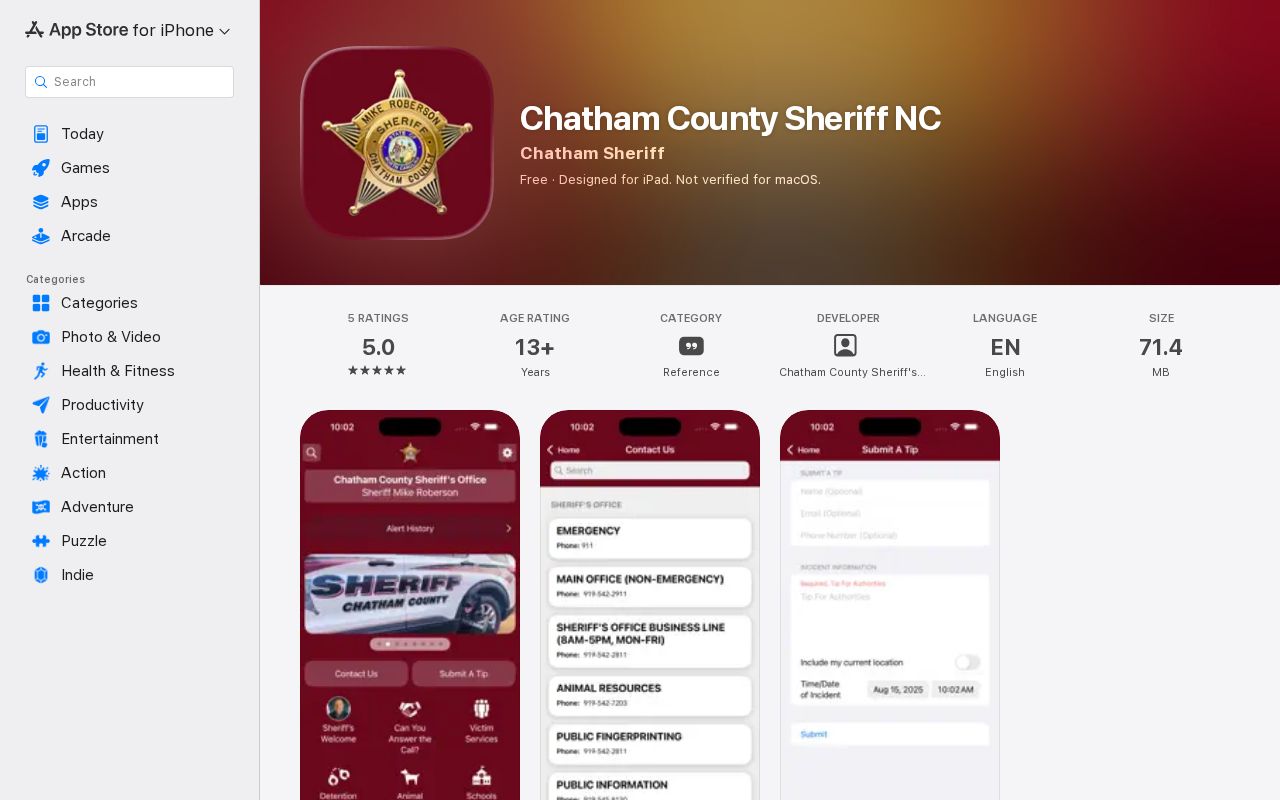
The app connects to the inmate search, arrest blotter, court dates, most-wanted information, records requests, and notification tools. Those functions also appeared on the regular Sheriff website, so they are not labeled app-only. The official multi-store router is the documented alternative when the iOS listing is not the right store.
For an arrest older than the live roster, move to the weekly blotter and then to the creating agency. Sheriff Records handles Sheriff-created reports. Siler City Police, Pittsboro Police, Cary Police, Chapel Hill Police, State Highway Patrol, and special agencies keep their own reports. If a court case followed, the Clerk and Portal provide the docket. The broader Chatham County criminal court case record is the right place to confirm a dismissal, acquittal, conviction, sentence, or other disposition.
Chatham County Arrest Report Fallback
Chatham County’s routing notice says not to send Sheriff incident-report requests through the ordinary county contact form. Ask Sheriff Records directly. Describe the record by incident or case number when known, date, location, involved agency, and document type. The official sources did not publish a complete report-copy fee schedule or guaranteed turnaround, so callers should confirm both before submitting.
Chatham County Sheriff’s Office
Records Division
295 West Street
Pittsboro, NC 27312
919-542-2811
Use for Sheriff incident and arrest reports. Current custody questions go to Detention at 919-545-7802.
For Chatham County, North Carolina Public Records Law distinguishes public arrest facts from the full investigative file. Certain event details and circumstances surrounding arrest may be public, while witness interviews, protected victim details, juvenile material, medical information, and active investigative content may be withheld or redacted. A concise public account may therefore be lawful even when the whole detective file is unavailable.
Chatham Arrests in SBI Records
The North Carolina SBI maintains fingerprint-supported computerized criminal-history information. It does not offer a general public name-search portal. A person may request their own state history through Right to Review, using fingerprints, the current form, and a $14 certified-check or money-order payment. Chatham County Sheriff lists public fingerprinting at 919-542-2811, but no current local fee or walk-in schedule was found. Call first.
For a Chatham County arrest, the SBI record joins reported arrest cycles to dispositions. If an entry is wrong, obtain the Right to Review result and use SBI’s written-exception process with supporting identity or court material. The local agency or Clerk may need to correct its source first. This route is designed for self-review. A courthouse name search and an SBI fingerprint record can differ because they use distinct identifiers and cover different sets of records.
Arrests Are Not Convictions
An arrest records an allegation and a detention event. A conviction records a court outcome after a guilty plea or finding. The Sheriff or city police can accurately show that an arrest occurred even when the prosecutor files a different charge or none at all. Only the Chatham County court record answers how a filed charge ended.
| Arrest Record | Conviction Record |
|---|---|
| Created by the arresting agency and detention staff | Created and maintained through District or Superior Court |
| Shows that an arrest or booking occurred | Shows a guilty plea or finding and judgment |
| Lives with the agency, jail, and reported SBI cycle | Lives in the Clerk’s case file and reported state disposition |
| May lead to release, no filed charge, dismissal, or a changed charge | May lead to sentence, review, appeal, or qualifying expunction relief |
Note: A Chatham County arrest is not proof of guilt, and a booking may end without any conviction.